Talk Like a Toddler, Ship Like a Writer

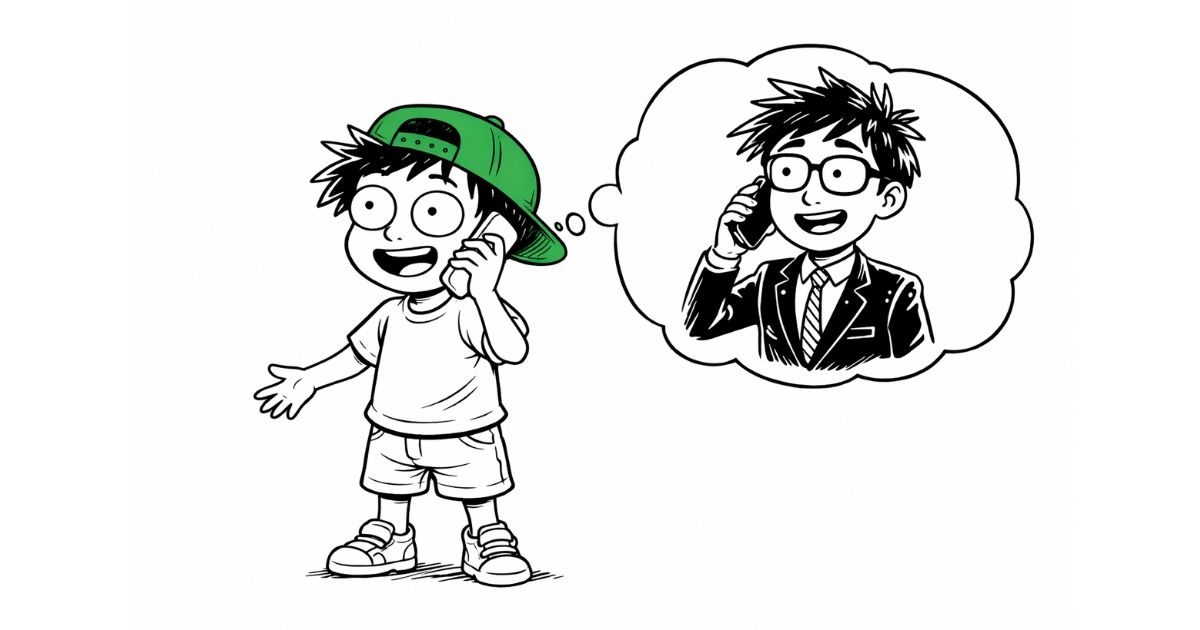
I never got along with native Mac dictation. Maybe it's my accent. Maybe it just sucked. Either way, I had written it off years ago and went back to typing everything.
Then I discovered voice-to-text tools powered by Whisper, and everything changed. Within a week I was dictating everything — Slack messages, emails, quick notes. But a new problem showed up fast: every output looked the same. Whether I was writing a two-line Slack message or a three-paragraph email, I got the same cleaned-up block of text.
So I built six prompts. The Slack prompt trims my rambling to two lines. The email prompt generates a subject line and paragraphs. The translation prompt turns my English into Arabic, right inside any text field. I speak the same way every time. The prompt does the reshaping.
The Six Prompts
Each prompt is built for a specific context: Slack, Email, General Cleanup, Translation, Twitter/X, and a bonus Gen Z prompt for texts to friends. The full post shares the exact prompt text you can copy-paste, before/after examples, and the reasoning behind every rule.
Three Rules That Kill AI Flavor
Three rules show up across almost every prompt: ban em dashes, ban buzzwords ("delve," "leverage," "utilize"), and ban filler closings ("please don't hesitate to reach out"). The deeper principle: when you ban something, tell the AI what to use instead.
Read the full post with all six prompts, copy-paste ready, on Substack.